- From a task: open it and pick from Linked docs and files.
- From a doc, file, form or To Do item: press Link to task and pick the task.
- Stays up to date: rename a doc and the new name shows on the task. The team is told when something is linked. To Do items stay private to you.
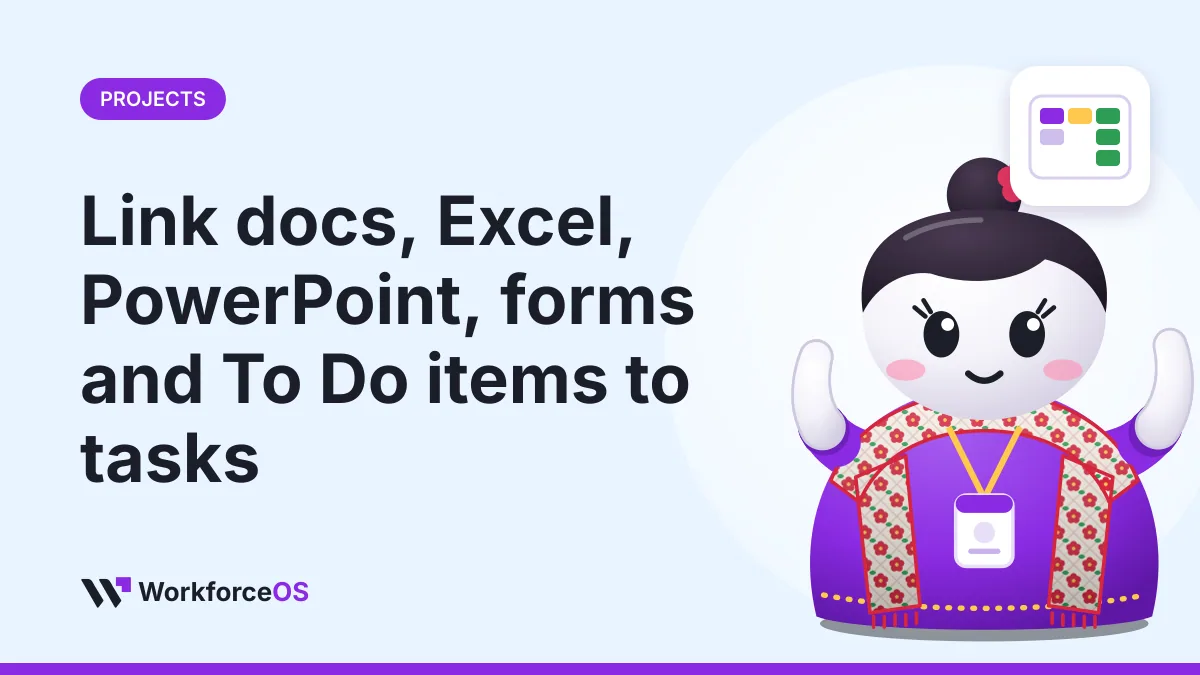
Link docs, Excel, PowerPoint, forms and To Do items to tasks
Keep a task's documents with the task, and see from any document which tasks it belongs to.
The Purple Bytes1 min read
Written by
The Purple Bytes
The Purple Bytes builds WorkforceOS in Lalitpur, Nepal, and writes these guides from the questions Nepali employers ask us every week.
HR and payroll tips for Nepal, once a month.
Deadlines, rule changes and short how-tos. Nothing else.